 Accounting Flow
Agents that act, not just report
An agent that finds out the return was filed used to tell a person, whose next act was to tick the box saying exactly that. Agents can now tick it themselves, raise a draft invoice and write the email — inside fences worth understanding.
For most of their life, AccountingFlow's agents could read but not write. An agent that established the accounts were filed, the VAT return submitted or the signed letter returned finished its run by telling somebody — and that person's next act was to open the job and tick the box recording what the agent had just found out.
That is a strange place to stop. The checklist is the firm's record of where a job has got to, and leaving it stale because the thing that found out was a machine makes every report built on it wrong.
Three things an agent can now do
- Tick a job's subtasks off, once it has established the work they describe is finished
- Raise a draft invoice for a client's unbilled time, grouped by service with the descriptions summarised
- Write the covering email — and where none of your templates fits the work it just did, write one for that work instead of bending a template meant for something else
Nothing is sent. The invoice is a draft and the email is a draft, and a person reviews both — the same way they always did.
The fences, and why they are the interesting part
Letting unattended software write to the record is the part that deserves scrutiny, so it is worth being specific about what constrains it.
- Writing is off by default, per agent. A deploy does not turn existing agents into writers.
- An agent can only tick. No un-tick, no create, no delete, no rename — so the worst a wrong call does is mark something done early, which is visible and undoable.
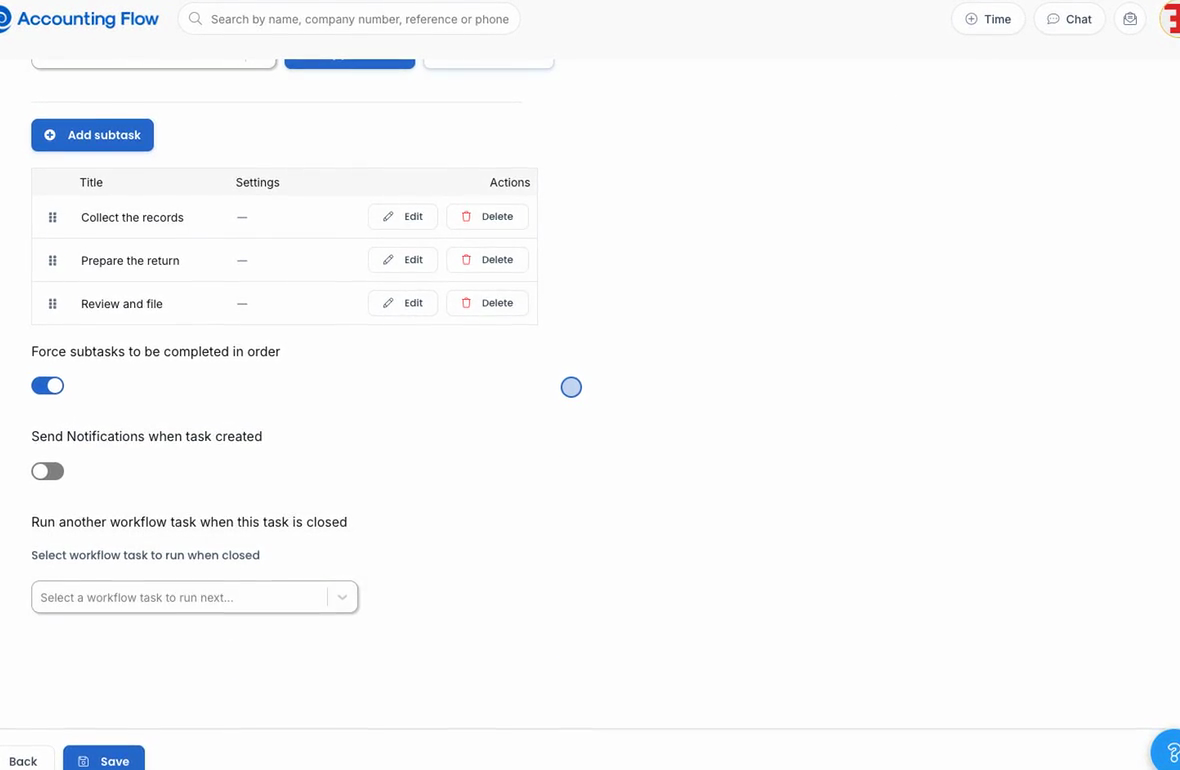
- It obeys the screen's own rules. Admin-only subtasks, ones the workflow resolves itself, and enforced ordering are all refused. Automation that ignored those would not be automating the screen; it would be a way to do what the screen in front of you refuses.
- Every row it touches says "Accounting Flow AI", and when.
The client is never an argument
The same principle governs billing. When an agent raises a draft invoice, the client is not something the model passes in — it is the client that run is about, fixed by the firm's saved filter before the model is involved at all.
An agent that could be argued into naming its own customer is not a feature anybody wants.
That is what makes "bill this set of clients" safe to run unattended: nothing inside one client's data can point the billing at another client, because there is no parameter for it to reach.
It reports what it actually did
A call that named five subtasks may have ticked three — because two were out of order, or admin-only, or already done. The tool returns what it ticked, what it would not tick and why, and what it could not find, and the agent is expected to read that back to you rather than claim the whole list.